
Fright Night Update
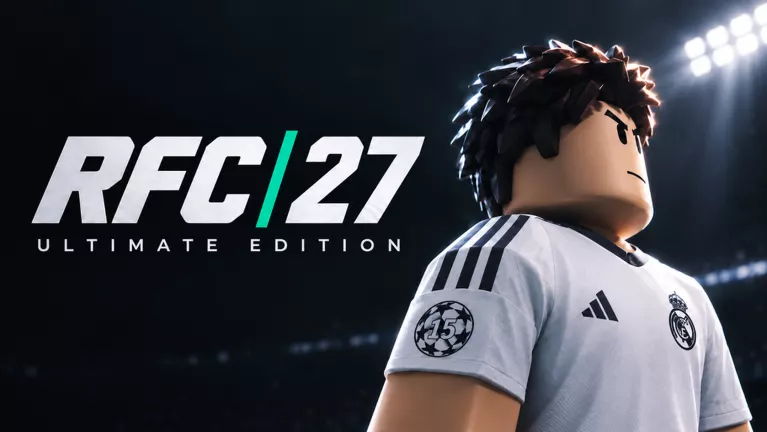
MY PLAYER introduces live cross-server 7v7 matches, alongside Fright Night content and gameplay improvements.
Last updated:
RFC 27 is a soccer game on Roblox where you pass, shoot and defend, compete as a custom pro, and open player packs to build a Dream Squad lineup. This Wiki helps you find match controls, My Player upgrades, player card ratings, pack sizes and reward requirements.
| Code | Reward & details | Status | Copy |
|---|---|---|---|
UPDATE2 |
275 Gems Reach level 5 to unlock codes. |
Reported active | |
RFC27 |
2,000 Coins and 1 Gold Pack Reach level 5 |
Reported active | |
MYPLAYER |
75 Gems Reach level 5 |
Reported active | |
FRIGHTNIGHT |
50 Gems and 500 Candy Reach level 5 |
Reported active |
Create your pro. Choose a position, then use BUILD YOUR BODY to select a body preset and adjust your height and weight.
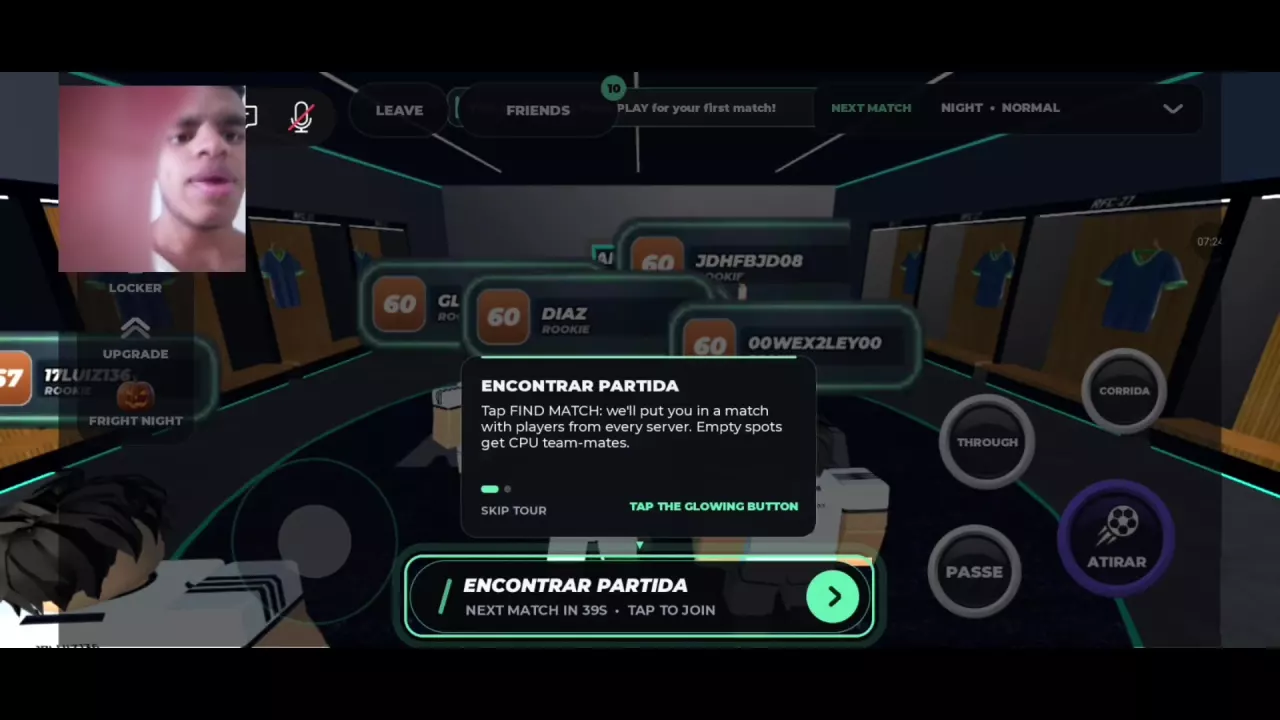
Join a match. Enter My Player from the main menu and select FIND MATCH, labeled ENCONTRAR PARTIDA in Portuguese. Matchmaking brings together players from different servers, with CPU teammates filling empty positions.
Play your position. On touch screens, move with the left joystick. With the ball, use PASS to pass to a teammate, or hold and release SHOOT to shoot. When defending, approach the opposing ball carrier and use TACKLE to challenge for possession or SLIDE for a sliding tackle. The controls reference covers the other inputs.
Develop your player. Match XP advances your level, and level-ups award skill points. Open MY PLAYER → UPGRADE, choose an attribute, and read its current value, POTENTIAL cap and displayed SP cost before pressing +. Level and overall are separate values; spending points develops your attributes. See skill points and upgrades for more detail.
Baldeira (Fright Night) has the highest overall among the three left backs listed here.
| Name | Position | Overall |
|---|---|---|
| Baldeira (Fright Night) | LB
| 86
|
| Pembroke | LB
| 79
|
| D. Cavalcanti (Gold) | LB
| 78
|
| Stanić (Fright Night) | RB
| 84
|
| Willems (Fright Night) | RW
| 85
|
In the lobby, open MY PACKS and select OPEN beneath a pack you own. The players you receive are added to your club.
| Name | Cards per pack |
|---|---|
| Silver Pack | 6 cards
|
| Gold Pack | 8 cards
|
| Premium Gold Pack | 10 cards
|
| Fright Night Pack | 6 cards
|
Fright Night runs until November 8.
MY PLAYER introduces live cross-server 7v7 matches, alongside Fright Night content and gameplay improvements.
The Fright Night update features live cross-server My Player 5v5 and Halloween content.
Use CALL while your teammate has the ball, then receive the return pass to complete the passing tutorial. The final task requires requesting the ball.
The TIRED indicator means your stamina is low, and the status bar can turn red. You can still move and carry the ball while tired.
Yes. A defeat can still award XP, Coins and Gems. The First Win Today bonus is separate: your first win of the day offers 10 Gems and 2x XP.